What video editing does for a business
Video editing turns raw footage into a finished video with a clear structure, pace and purpose. It includes cutting and arranging clips, adding B-roll, music, text and graphics, correcting colour, cleaning audio, adding subtitles, and exporting the right version for each platform.
Phones now record high-quality footage, so capturing video is rarely the hard part for a business. The hard part is turning twenty minutes of recording into a thirty-second reel that holds attention, or a long interview into a watchable YouTube episode. That is where editing makes the difference between video people scroll past and video they actually watch.
Why businesses invest in professional editing
- Attention: tight editing removes pauses and filler so viewers stay with the message.
- Clarity: structure, captions and on-screen text make the point obvious, even with the sound off.
- Brand consistency: the same fonts, colours, intro and outro on every video make your content recognisable.
- Reuse: one shoot can be edited into a long video, several short clips, ad variants and stories.
- Professional finish: colour correction and clean audio make phone footage look and sound deliberate.
A restaurant can turn one afternoon of kitchen footage into a month of reels. A real estate agency can cut a site walkthrough into a full tour for YouTube and short highlights for Instagram. A coaching institute can turn lectures into short concept clips. Editing is what makes that multiplication possible.
Types of business video editing
Reels and Shorts editing
Short vertical videos for Instagram Reels, YouTube Shorts and Facebook. They need a strong opening, quick pacing, captions for people watching without sound, and music or voiceover that fits. Short-form is where a clear hook in the first moments matters most, because viewers can swipe away instantly.
YouTube video editing
Long-form edits with clean cuts, B-roll, graphics, lower thirds and a structure that suits chapters. YouTube viewers usually give a video more time, but they still leave when it drags, so editors remove repetition and keep each section purposeful. Thumbnails and titles are separate but closely related tasks.
Promotional and ad video editing
Short ad videos for Meta and YouTube, cut in several lengths and aspect ratios so campaigns can test them. A single shoot might become a short version, a longer version and several different openings. See ads and performance marketing for how these are tested.
Motion graphics and logo animation
Animated logos, intros, outros, animated text, icons and simple infographics. They give videos a finished, branded look and help explain points that are hard to film. Motion work is typically done in Adobe After Effects, and it starts from vector brand assets, which is one more reason to keep proper graphic design files.
Corporate and explainer videos
Company introductions, product explainers, onboarding and training videos. The priority is clarity: a logical script, clear visuals, readable text and a voiceover or captions that carry the message. These often combine filmed footage, screen recordings and motion graphics.
Product videos
Clean showcases for websites, marketplaces and ads that demonstrate features, sizes and use. A D2C brand might need a short loop for a product page, an unboxing-style clip for social media and a feature breakdown for ads, all from the same footage.
Event and highlight videos
Product launches, exhibitions, seminars and celebrations cut into a short highlight film plus social clips. Speed often matters here, since event content is most useful while people are still talking about it.
Subtitles and captions
Accurate subtitles and styled on-screen captions help people who watch without sound, improve accessibility for viewers who are deaf or hard of hearing, and let you reach audiences in other languages. Captions can be burned into the video or supplied as a separate SRT file for platforms like YouTube.
Colour correction and audio cleanup
Colour correction fixes exposure and white balance and makes clips from different cameras match. Colour grading then applies a consistent look. Audio cleanup reduces background noise and echo, balances voice and music levels, and keeps loudness consistent. Muffled or noisy sound can undermine an otherwise good video, so audio deserves as much attention as the picture.
Podcast and interview editing
Multi-camera podcast edits that switch between speakers, clean up audio, remove long pauses and mistakes, and add titles. The same episode is then cut into short clips for social media, which is often where new listeners first discover the show.
Aspect ratios and export settings by platform
Aspect ratio is the shape of the frame, written as width to height. Using the wrong one produces black bars or awkward cropping, so every platform version should be exported in its intended shape. The ratios below are well established; platforms do update their recommendations, so check current guidance for any new placement.
| Aspect ratio | Common resolution | Typical use |
|---|---|---|
| 9:16 (vertical) | 1080 × 1920 | Instagram Reels, YouTube Shorts, Facebook Reels, Stories |
| 16:9 (horizontal) | 1920 × 1080 (Full HD) or 3840 × 2160 (4K) | YouTube videos, websites, presentations, TV screens |
| 1:1 (square) | 1080 × 1080 | Feed posts and ads where a square frame suits |
| 4:5 (portrait) | 1080 × 1350 | Instagram and Facebook feed posts and ads |
Practical export guidance
- Container and codec: MP4 with H.264 video and AAC audio is the most widely accepted combination across social platforms and websites.
- Frame rate: keep the frame rate the footage was shot in, commonly 24, 25 or 30 frames per second, rather than converting unnecessarily.
- Safe zones: on vertical video, platform buttons and captions cover parts of the top and bottom of the screen, so keep key text and faces away from the edges.
- Captions: add burned-in captions for social feeds, and upload SRT files where the platform supports them.
- Thumbnails: export a still or design a custom thumbnail for YouTube and for cover images on reels.
- Master file: keep a high-quality master export so you can create new versions later without re-editing.
Editing software commonly used
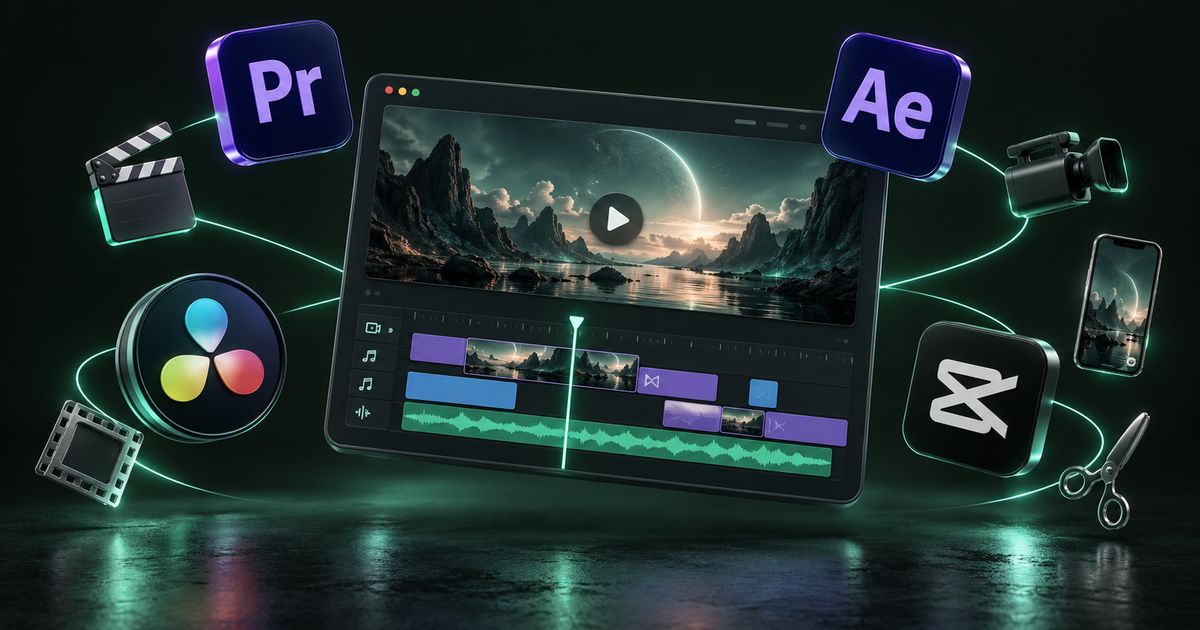
- Adobe Premiere Pro: a widely used professional editor for everything from reels to long-form content.
- DaVinci Resolve: editing plus strong colour grading and audio tools in one application.
- Final Cut Pro: a popular professional editor on Mac.
- Adobe After Effects: motion graphics, logo animation and visual effects.
- CapCut: fast short-form editing with built-in captions and templates, handy for quick social turnarounds.
- Adobe Audition and similar tools: dedicated audio cleanup and mixing.
The software matters less than the editor’s judgement about pacing, structure and story. Ask which tools an editor uses mainly so you know what project files you can receive.
How the editing process works
- Brief: purpose, audience, platforms, lengths, aspect ratios, deadline and examples of the style you want.
- Footage handover: raw files shared through a cloud drive, in original quality rather than compressed through a messaging app.
- Assets: logo files, brand fonts and colours, music preferences, script or key points, and any product details that must appear.
- Rough cut: the structure and story assembled for review, without final polish.
- Feedback: timestamped comments on what to change, ideally from one decision-maker.
- Fine cut and finishing: graphics, captions, colour correction, audio mix and music.
- Final review and export: every required version exported to spec, plus the master file.
Sending footage through chat apps usually compresses it heavily. Use Google Drive, Dropbox or a similar service so the editor receives the original files.
What drives the cost of video editing
- Length of the final video and the amount of raw footage to review.
- Complexity: simple cuts versus heavy B-roll, graphics, effects and multi-camera sync.
- Motion graphics: custom animation takes considerably more time than templates.
- Number of versions: each extra length, ratio or language adds work.
- Subtitles: languages required and whether captions are styled or plain.
- Music and stock footage licensing.
- Turnaround time: rush deadlines usually cost more.
- Volume: a monthly batch of reels is often more economical than individual orders.
See our pricing page for how we scope editing work.
Common video mistakes
- Slow openings with long logo intros before anything happens.
- No captions, losing viewers who watch without sound.
- Poor audio from a distant phone microphone or noisy room.
- Wrong aspect ratio, such as posting horizontal video as a reel.
- Text in unsafe zones, hidden behind platform buttons.
- Using copyrighted music without a licence, which can lead to muted videos or takedowns.
- Sending compressed footage, which limits the final quality.
- One version for every platform instead of edits tailored to each.
How to choose a video editor, plus a checklist
Watch complete examples, not just showreels. A showreel highlights the best moments; full videos show whether an editor can structure a story and hold attention from start to end.
- Ask for examples in the format you need: reels, YouTube, ads or corporate.
- Confirm how many revision rounds are included and how feedback is shared.
- Ask about music licensing and whether stock footage is included.
- Confirm turnaround times for regular and urgent work.
- Ask whether they deliver project files and master exports.
Video delivery checklist
- Each platform version exported in its correct aspect ratio
- MP4 files with H.264 video and AAC audio unless otherwise agreed
- Captions burned in for social, SRT files for YouTube
- Key text and faces kept inside platform safe zones
- Audio levels balanced between voice and music
- Music and stock footage properly licensed
- Logo, brand fonts and colours used consistently
- Thumbnail or cover image supplied
- High-quality master file stored for future versions
How Nexon Enterprise handles video editing
Nexon Enterprise edits reels and shorts, YouTube videos, ad variants, motion graphics and logo animations, explainers, product and event videos, and podcasts. We add subtitles in English, Hindi or Gujarati, correct colour and clean audio, and export every version in the right format for its platform, with a master file kept for later use.
Edited videos usually feed a content calendar or a campaign, so the same team can plan them within social media management or test them in paid ads. See everything we edit on our video editing service page, or contact us with your footage and the formats you need.
Frequently asked questions
Can phone footage look professional after editing?
Often, yes, as long as it was filmed with reasonable light, a steady hand and clear audio. Editing can correct colour, stabilise mildly shaky footage, clean background noise and add graphics and captions. What editing cannot fully fix is very dark footage, heavy blur or badly distorted sound, so good capture still matters.
What aspect ratio should I use for Instagram and YouTube?
Use 9:16 vertical for Instagram Reels, Stories and YouTube Shorts. Use 16:9 horizontal for standard YouTube videos. For Instagram and Facebook feed posts and ads, 4:5 or 1:1 are common choices. Exporting a separate version for each placement avoids black bars and awkward crops.
Should subtitles be burned in or uploaded separately?
For short social videos, burned-in captions are usually best because they display the same everywhere and can be styled to match your brand. For YouTube and longer content, uploading an SRT file lets viewers turn captions on or off and supports multiple languages. Many businesses use both.
How should I send raw footage to an editor?
Upload the original files to a cloud storage service such as Google Drive or Dropbox and share the folder. Messaging apps typically compress video, which reduces quality before editing even begins. Organise clips by scene or date and include any script, logo files and brand fonts in the same folder.
Can I use popular songs in my business videos?
Not without the proper licence. Commercial use of copyrighted music can lead to muted audio, blocked videos or claims against your account, and ads are generally held to stricter rules. Use properly licensed stock music, or music available under the platform’s own licensed libraries for the specific use allowed.
Can one shoot produce content for a whole month?
With planning, often yes. If the shoot is designed around a list of topics and captures enough angles and B-roll, one session can be edited into a longer video, several reels, story clips and ad variants. The key is deciding the outputs before filming rather than after.
WORK WITH US
Need help with video editing?
Raw footage turned into videos people actually watch — reels, YouTube content, ads and brand films, edited for each platform.